Integer Mode
Use integer mode for whole numbers. The value is stored and displayed as an integer. You can limit the number of digits using the maxDigits parameter.
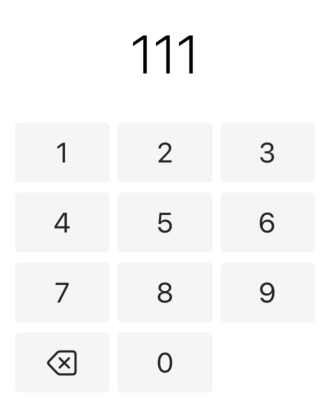
@State private var quantity: Double = 0

NumberPadView(value: $quantity, mode: .integer, maxDigits: 5)
Copied!
Price Mode
Price mode stores values as cents internally but displays them as dollars with two decimal places. Perfect for currency input.
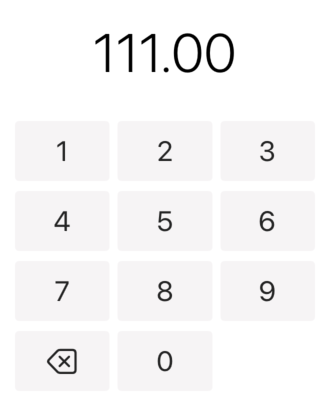
@State private var amount: Double = 0

NumberPadView(value: $amount, mode: .price)
Copied!
Decimal Mode
Decimal mode allows entering numbers with decimal points. The decimal point button is available in this mode.
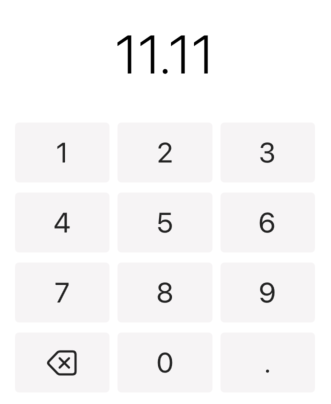
@State private var weight: Double = 0

NumberPadView(value: $weight, mode: .decimal)
Copied!
With Confirm Action
Provide a confirm closure to handle when the user taps the checkmark button. The closure receives the final value.
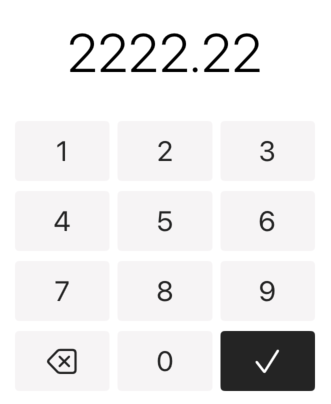
@State private var tip: Double = 0

NumberPadView(
    value: $tip,
    mode: .price,
    confirm: { value in
        print("Tip entered: \(value)")
        // Handle confirmation
    }
)
Copied!